
How to Use the ColorBox
Check out the video or follow the steps below to create your own shades!

Check the machine, cartridges, and toolset.

Remove cartridge caps and insert them by color labels.

Connect USB-C. A 'BEEP' indicates power-on.

Please download and install the ColorBox app. Pair via Bluetooth until it 'BEEP'.

Lift the handle; center the scale and mixing bowl.

Choose a shade or DIY your custom shade in app.

Tap 'Start Dispensing' for precision mixing.

Save your formula for one-click replication.

Check cartridge levels for future sessions.

Wipe nozzle, retract handle, and disconnect power.
Check the machine, cartridges, and toolset.
Remove cartridge caps and insert them by color labels.
Connect USB-C. A 'BEEP' indicates power-on.
Please download and install the ColorBox app. Pair via Bluetooth until it 'BEEP'.
Lift the handle; center the scale and mixing bowl.
Choose a shade or DIY your custom shade in app.
Tap 'Start Dispensing' for precision mixing.
Save your formula for one-click replication.
Check cartridge levels for future sessions.
Wipe nozzle, retract handle, and disconnect power.
Blog posts
How Long Does Semi-Permanent Hair Color Last?
Semi-permanent hair color does not fade on one universal timeline. As a broad expectation, many semi-permanent colors last somewhere between a few washes and a few weeks. Some formulas and shades m...
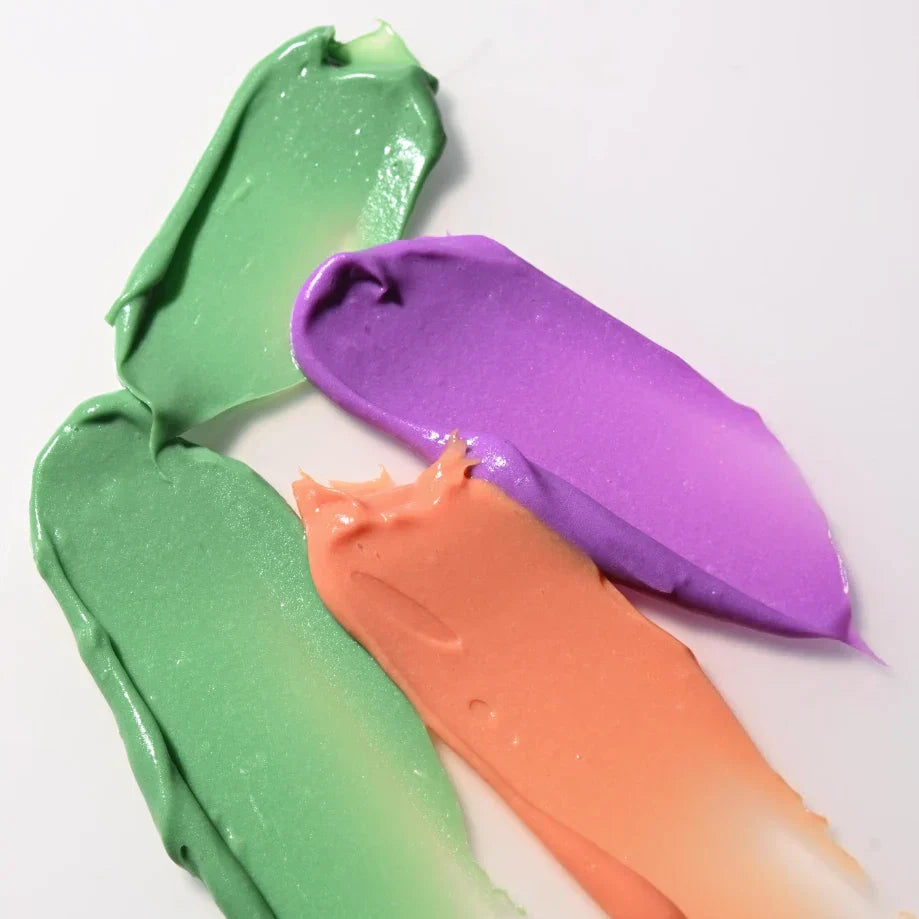
What Is Color-Depositing Conditioner? (And What It Actually Does)
A color depositing conditioner is a conditioner with pigment in it. You use it to refresh tone and help maintain semi-permanent hair color between full dye sessions. If your vivid shade is fading, ...

Rainbow Hair at Home: A Practical Pride Month Color Guide
Rainbow hair can be bold, soft, hidden, full-spectrum, or just one bright piece that feels like you. For Pride Month, that might mean a visible rainbow panel, pastel ends, a hidden underlayer, or a...